The app
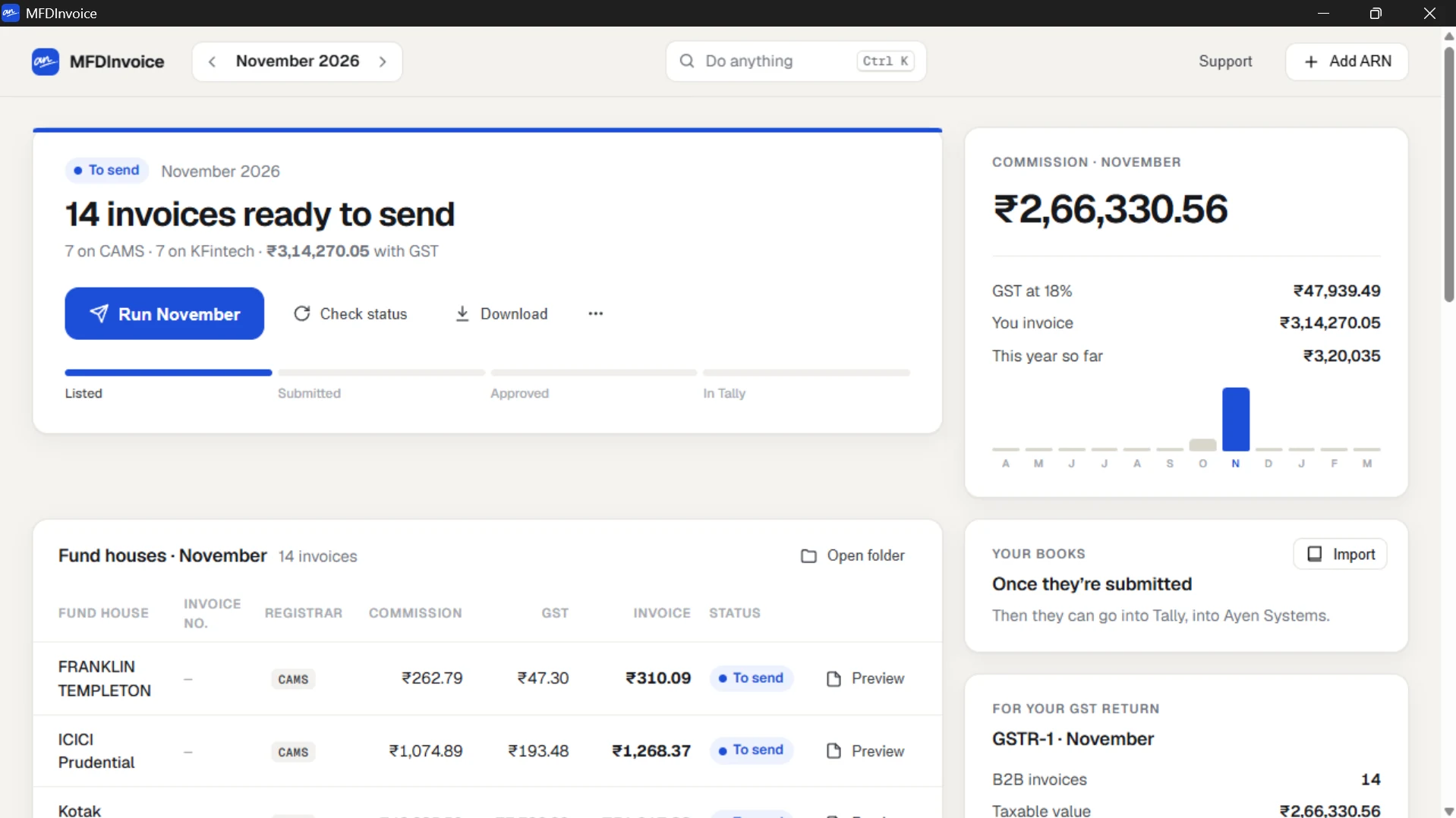
Every ARN's month on one page.
CAMS and KFintech side by side, every invoice's status in the registrar's own words, and anything waiting for you at the top.
A free automation for mutual fund distributors. Set it up once, press Run once a month.
Brokerage, October 2026 · sample
| Brokerage on mutual fund distribution | 4,812.00 |
| CGST @ 9% | 433.08 |
| SGST @ 9% | 433.08 |
| Total | ₹ 5,678.16 |
Authorised signatory
This is what every month usually looks like. Two portals, two logins and captchas. One ARN is manageable, but five ARNs means ten logins, ten downloads, and over a hundred invoices every month. Every invoice needs to be entered into Tally as well.
Or you could download MFDInvoice. Just press Run. It does all of that automatically for you. Nothing goes out without your approval. And every invoice is imported into Tally as well.
MFDInvoice, download now.
The app
CAMS and KFintech side by side, every invoice's status in the registrar's own words, and anything waiting for you at the top.
Five ARNs, one month
How it works
When you press Run, MFDInvoice opens a browser on your PC that acts on your behalf. It signs in to CAMS and KFintech with your logins and does what you would do, step by step.
Want to see what leaves your PC? Read how we keep it safe
We build custom software for businesses. This is how you hear about us.
About Ayen SystemsYes. No trial, no card, no account. Every feature, for every ARN you have.
They never leave your PC. Windows locks them so only you, on that PC, can read them. The software uses them to sign in for you, in a browser on your own computer.
Any number of ARNs on one PC. Run all runs them at the same time, each in its own browser.
With a photo of your signature on paper, or with your USB signing token (DSC). You see a preview before anything is sent.
No. Tally is optional. If you use TallyPrime, it puts every invoice in for you.